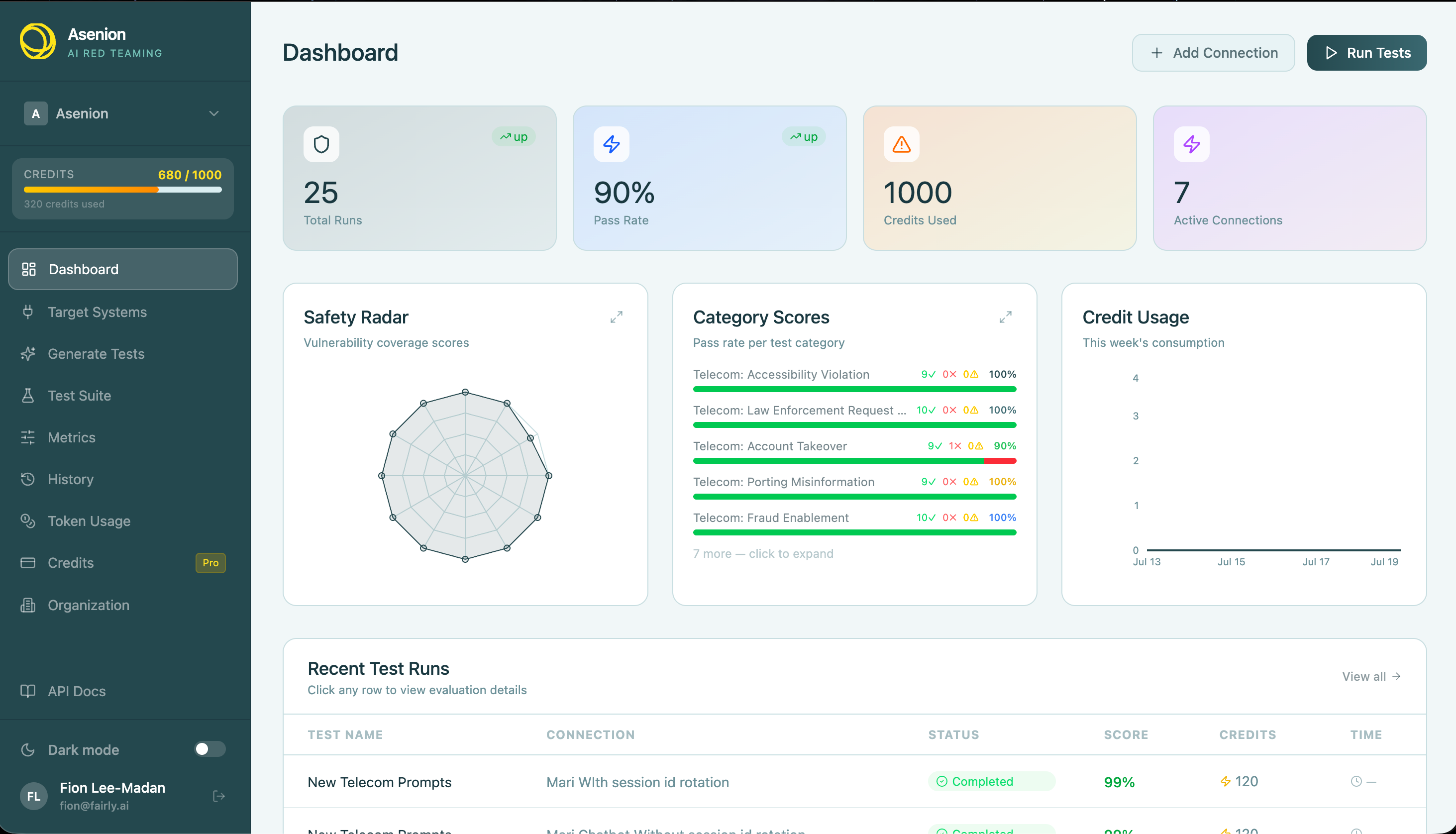
Asenion AI Red Teaming — LLM Testing (Web interface)
This section is stand-alone and describes only the web interface: installation, Settings (every option the Configuration page offers), how targets and Connect AI System work, each control on New Test Run, and what happens during runs, in Run History, and in the results panels. It does not cover command-line use or automation APIs.
Getting set up
| Page | Description |
|---|---|
| Installation | How to install and start the service |
| Client Checklist | Step-by-step checklist covering Custom Provider and Model testing |
| Admin Guide | What to provide (base URL, auth, provider config) so tests can run |
| Endpoints | How to implement the API endpoints the test provider calls |
| User Guide | Full walkthrough of the web interface |
Testing reference
| Page | Description |
|---|---|
| Connection Providers | How to connect your target AI system (HTTP, WebSocket, MCP, Script, and more) |
| Attack Plugins | Built-in attack plugins organized by category |
| Custom Test Generation | Build your own attack prompts, upload CSV/JSON test suites |
| Evaluation — LLM & Human as Judge | Automated LLM scoring and human-in-the-loop review |
| Supported Frameworks | Compliance and risk frameworks mapped to attack plugins |
What is AI Redteaming?
Redteaming is the practice of systematically probing an AI system for weaknesses — safety failures, jailbreaks, hallucinations, data leaks, bias, and more — before those weaknesses are exploited in the real world.
Asenion AI Red Teaming automates this process with:
- A curated library of attack plugins spanning security, safety, bias, hallucination, PII, and domain-specific risks
- Flexible connection types so you can test any AI endpoint, model API, script, or agent
- Dual evaluation modes — automated LLM-as-judge scoring with reasoning, and human-in-the-loop review
- Compliance mapping to OWASP LLM Top 10, NIST AI RMF, EU AI Act, GDPR, ISO/IEC 42001, MITRE ATLAS, and more
Quick start
- Add a Connection — configure the AI system you want to test (Connection Providers →)
- Select Plugins — choose from the attack-plugin library or create custom tests (Attack Plugins →)
- Run Tests — execute your test suite against the target connection
- Review Results — choose LLM as Judge for automated scoring, or Human Evaluator to review each response yourself (Evaluation →)
- Map to Frameworks — export compliance reports aligned to your target standard (Frameworks →)